
How to Write Podcast Show Notes for SEO, Listener Engagement, and Growth in 2026
We invest hours in planning, recording, and editing our podcasts, yet the final step of writing show notes often leaves us stuck or exhausted. The result is that many well-produced episodes end up with only a brief description. But you may not realize that such sparse show notes are making your podcast invisible—they hide you from search engines and prevent meaningful engagement and conversions.
In 2026, show notes have evolved from a simple content summary into a crucial growth engine. Fortunately, this guide will start with the basics of show notes and then walk you through the essential writing techniques and SEO secrets to master them.
Defining the Role and Value of Show Notes
The Role of Show Notes in a Successful Podcast
When you open a podcast app and click on an episode, the scrollable page with rich text and links you see is your show notes. A transcript is typically a lengthy, expandable section within it or a separate file. The core functions of show notes can be summarized into two key roles:
- A Content Supplement & Engagement Engine for Listeners: They provide information audio cannot convey: explanations of key concepts, links to books and resources, timestamps for highlights, detailed guest bios, and crucial calls to action that guide listeners to subscribe, comment, or visit your website.
- A Core SEO Tool for Search Engines: They serve as the primary text that helps search engines like Google understand your podcast content. Well-organized titles, paragraphs, and keywords directly help your podcast be discovered by potential listeners.
Therefore, excellent show notes are not a replacement for the audio. They are a carefully designed value-added product and discovery portal.
The Importance Of Podcast Show Notes
In reality, show notes are far more than a “simple description”; they are a growth engine for your podcast.
First, they are a critical SEO tool, providing the core text for search engines to understand your audio content. This directly determines if potential listeners can find you through search.
Second, they significantly enhance the listener experience and loyalty. By providing timestamps, supplementary materials, and links, they transform a one-time listen into an explorable, in-depth interaction.
Finally, they drive tangible engagement and conversions. Clear calls to action (like subscribe or visit) and shareable key takeaways make them a central hub for supporting marketing and achieving business goals.
In short, excellent show notes are a comprehensive solution that addresses content discovery, audience enjoyment, and conversion.

Core Components of Effective Podcast Show Notes
Designing an SEO-Optimized Episode Title
The key to writing a catchy and search-friendly title is: “Use keyword insights to drive creative expression.”
Don’t guess. Use tools like Google Keyword Planner to see what your audience is actually searching for.
For example, for an episode on “mindfulness meditation,” don’t just target broad terms. Find specific, intent-rich keywords like “mindfulness meditation for beginners 5 minutes.” Then, use them to optimize your title:
- Front-Load Keywords: Place the core term at the beginning of the title so search engines and listeners instantly understand the topic.
- Before: “Today, We Talk About How to Calm Down”
- After: “A Beginner’s Guide to Mindfulness Meditation: 5 Steps to Find Inner Peace Fast”
- Add Appeal: Use numbers, results, or scenario words to boost clicks.
- For example, turn “Talking Finance with an Expert” into “A 3-Step Finance Starter Plan: How to Start Investing Stress-Free with $50 a Month.” It clearly includes keywords, steps, a low barrier, and the final benefit.
Simply put, a great title combines precise keywords with creative, human-friendly packaging.
Writing a Compelling Episode Summary
If the title is the billboard that gets people to “click,” the first few sentences of your show notes are the “golden 30 seconds” that decide if listeners “stay.” The core task here is to quickly build connection and clearly promise value.
An effective summary opening often follows this structure: a sharp “Problem Hook” + a condensed “Core Answer” + a clear “Value List.”
You can use this template:
“Have you ever [encountered a specific pain point or scenario]? In this episode, we dive deep into [core topic] with [guest/topic] and reveal [key insight or solution] for you. You’ll learn: 1) [Specific takeaway A]; 2) [Specific takeaway B]; 3) [Specific takeaway C].”
Let’s break down why it works:
- Problem Hook: Starts with a relatable pain point, instantly sparking curiosity.
- Core Answer: Immediately states what the episode will deliver, meeting the listener’s expectation.
- Value List: Uses a clear 1, 2, 3 to list specific, tangible benefits, so listeners know exactly what they’ll get before hitting play.
Remember, the opening is a preview, not a full summary. Avoid bland starts like “In this episode, we discuss…” Dive straight into the listener’s core concern and the most attractive solution.
Highlighting Key Takeaways
The key takeaways list is the “value snapshot” of your show notes. It lets listeners grasp the core points and remember actionable insights in seconds. The key is to distill complex discussions into specific, executable points.
Writing Tip: Start with a verb and point to a clear result.
Avoid vague summaries. Each takeaway should be a clear “unit of value.”
Compare these examples:
-
Business Strategy Podcast Example
Topic: Analyzing how a brand turned around via social media.- Before: “Discussed the importance of social media,” “Talked about content strategy.”
- After:
- Focus on one core platform instead of spreading resources too thin.
- Turn customer service conversations into content by publicly responding to complaints.
- Design “shareable” social currency like templates to encourage user content.
-
Self-Improvement Podcast Example
Topic: How to build a daily reading habit.- Before: “Cultivating habits,” “Using fragmented time.”
- After:
- Use the ‘5-Page Start Rule’ to lower the mental barrier to starting.
- Anchor reading to a fixed routine, like your morning coffee.
- Create instant feedback by writing down one insight on a sticky note after reading.
The difference is that optimized takeaways are like small tools or instructions listeners can directly use. They clarify “what you can do as a result.”
The best takeaways list provides clear methods and inspiration, even if someone doesn’t listen to the full episode.
Adding Timestamps and Time-Coded Outlines
Timestamps are your audio’s navigation menu. They significantly boost completion rates and the listening experience. The key is to mark them by content logic, not fixed intervals.
Format Example: [Start Time] Content Point
E.g.: 14:22 The Four-Step Method for Handling Negative Comments
Create them by marking the times when topics shift or key points appear during editing. Give each segment a concise subheading.
Result: Without timestamps, a listener wanting to revisit a specific part must scrub blindly. A clear timestamp list lets them jump directly to the segment they need (e.g., 24:08), allowing free browsing and skipping, which greatly improves usability.
Including Guest Bios and Relevant Links
Guest Bio: Build Trust in One Sentence
Formula: [Name], [Most Relevant Title], [One Signature Achievement/Expertise].
- Example: “Alex Chen, Senior Product Director, led a product from zero to 10 million daily users. In this episode, he shares his method for defining a product’s moat.”
Links: Follow “Less is More”
Include only the most relevant links, in this order:
- Personal website / Main work (e.g., book link).
- One primary social media profile (e.g., LinkedIn).
- Core resources mentioned (e.g., a specific report or tool).
Format Example:
Links Mentioned:
- Alex’s Website: [Link]
- Book “XXX”: [Purchase Link]
- Follow Alex on LinkedIn: [Link]
- Tool Mentioned: [Official Website Link]
Tip: Ensure all links work. Use descriptive text (e.g., “Read the full report”) instead of just “Click here.”
Calls to Action (CTAs) That Convert
Give your listeners a specific, simple, and immediate reason to act.
Four Core CTA Types:
| Type | Purpose | Example |
|---|---|---|
| Subscribe & Follow | Build long-term connection | “Subscribe to our show so you never miss an update.” |
| Rate & Interact | Boost visibility & get feedback | “Tell us in the comments what your favorite insight was.” |
| Visit & Get | Guide to key actions | “Visit our website to get all the resource links mentioned.” |
| Share & Spread | Expand reach | “Share this episode with a friend who needs it.” |
Placement Tips:
- Put CTAs at the beginning (for new listeners) and end (for conversion after listening) of your show notes.
- Use action verbs (Subscribe, Visit) and offer clear value.
- Advanced Tip: Mention a “hook” verbally in the episode (e.g., an unexpanded case), then promise the details in a CTA within the show notes to drive clicks.
Summary: A clear CTA is the direct bridge between your content’s value and listener action. Make it simple, direct, and appealing.
Optional but Powerful Additions
-
Embedded Player
- Value: Lowers the listening barrier. Visitors can listen directly on your website without leaving, boosting instant engagement.
- Note: Use your host’s embed code and test it on mobile and desktop.
-
Transcript (Full or Excerpt)
- Value: The strongest tool for discoverability and accessibility. A full transcript provides rich content for SEO and serves readers, hearing-impaired listeners, or non-native speakers. It turns audio into a searchable text asset.
- Choice: A full transcript offers the greatest benefits. If resources are limited, a partial transcript of key sections is a good alternative.
-
Featured Quotes
- Value: Provides “social currency.” These standout quotes are easy to screenshot and share on social media, promoting organic spread.
- Note: Feature them in a dedicated section or prominently within the text, with the speaker’s name and timestamp.
-
Visuals (Charts, Infographics, Photos)
- Value: Makes complex information visual, enhancing professionalism and memorability. Great for explaining data or showcasing products.
- Note: Optimize images for fast loading. Add descriptive alt text for SEO and accessibility.
Core Principle: Add elements only if they provide clear value. Quality over quantity.
SEO and Technical Best Practices for Show Notes
Keyword Integration Without Stuffing
Your goal is to validate real listener search intent, not guess.
- Start with your core topic (e.g., “how to start home gardening”).
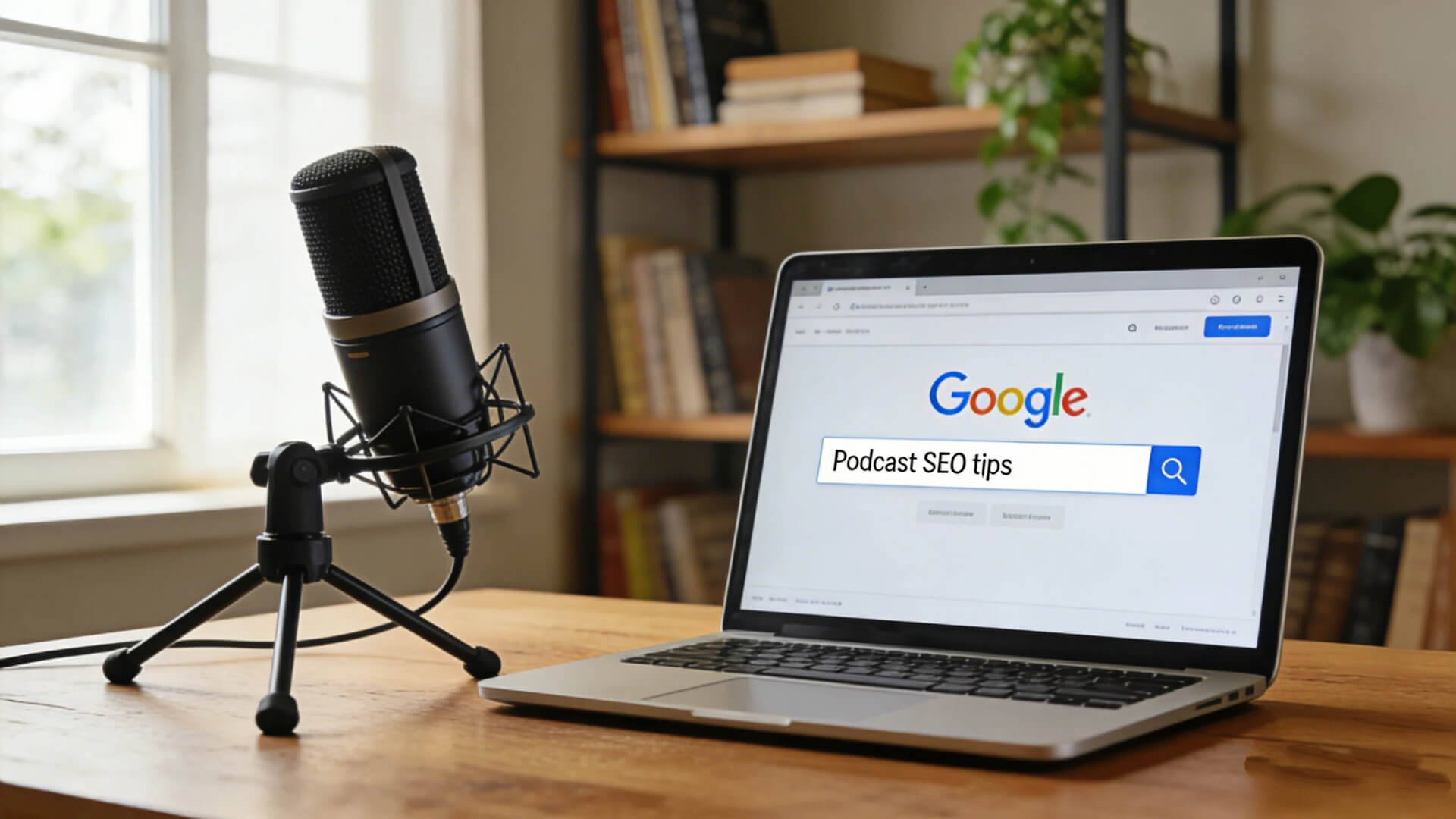
- Use free tools to find related searches. Type your phrase into Google and check the “Related searches” suggestions. Tools like AnswerThePublic can expand it into specific questions (e.g., “how to save money with home gardening”).
- Choose target keywords: Prioritize long-tail phrases with clear intent that match your content (e.g., “beginner home gardening checklist”). They attract the right listeners with less competition.
Optimization Checklist:
- Title: Clearly contains 1 core keyword/phrase.
- Summary First Paragraph: Naturally mentions the core keyword and sets up the listener’s scenario.
- Subheadings: Use variations of the core keyword (e.g., “soil selection,” “watering”).
- Full Text: Systematically answer the questions your title and summary pose.
Metadata and Schema Markup Basics
Simply put: Metadata is for podcast apps, Schema Markup is for search engines. Together, they can lead to more professional search displays.
- Metadata: Information you fill out in your podcast host backend (like Buzzsprout). It gets written into the audio file, ensuring apps like Apple Podcasts display your title, description, and art correctly.
- Schema Markup (Structured Data): Code added to your show notes webpage HTML. It explicitly tells Google “this is a podcast episode,” specifying the title, description, date, and audio file URL, which can lead to richer search results.
Formatting for Readability and Mobile Devices
Optimize for “designing for scrolling, not reading.” Aim for readers to see the structure in seconds and consume info comfortably on a phone.
Key Actions:
- Use Headings: Establish clear hierarchy with H2 for sections and H3 for points.
- Short Paragraphs: Keep them to one core idea, max 3-4 lines on mobile.
- Use Lists Relentlessly: Convert any parallel info (steps, resources) into bullet points or numbered lists. This is the best way to boost reading efficiency.
- Make Links Tap-Friendly: Use descriptive text for links and display them prominently, not buried in long sentences.
Final Check: Always open the link on your phone before publishing. If it’s clear, easy to read, and easy to tap, it’s good. Clean formatting reduces bounce rates and increases engagement.
Tools and Resources to Simplify Show Notes Creation
Transcription Services and Software
| Tool | Core Features | Best For |
|---|---|---|
| Riverside | High-quality recording & synced transcription with speaker ID. | All-in-one workflow, especially for video/remote interviews. |
| Trint | Powerful editor, high accuracy, supports translation. | Professional content needing precise transcript editing. |
| Descript | “Edit audio like a doc.” All-in-one: transcription, editing, AI voice features. | Creators who want to edit using the transcript as a timeline. |
SEO Optimization Tools
- SurferSEO / Frase: Analyze top-ranking pages for your keyword and give a detailed optimization outline (keywords, structure, length).
- Yoast SEO (WordPress Plugin): Provides real-time SEO and readability checks if you publish on WordPress.
Templates and Automation Solutions
1. Create a Reusable Template
A “fill-in-the-blanks” template saves time and ensures consistency. Structure it with sections for Date, Guest, Summary, Takeaways, Timestamps, Links, and CTAs.
2. Use AI Assistants Wisely
Tools like AIPodify can help draft summaries or generate audio. Use them to expand ideas or convert formats, but always review and add your unique voice.

4 Step Guide: Writing Podcast Show Notes From Scratch
1. Pre-Episode Planning
Prepare guest bios and potential links in advance. Have a simple note-taking sheet ready to mark timestamps and quotes during recording. Align with the host on the core topic and desired listener action.
2. Immediate Post-Episode Actions
Draft title options and the summary while the conversation is fresh. Re-listen to mark preliminary timestamps. Compile all resources actually mentioned.
3. SEO Review and Final Editing
Check keyword placement. Ensure paragraphs are short and lists are clear. Proofread for errors and test all links. View it from a listener’s perspective.
4. Publishing and Distribution
Publish to your podcast host. Post the show notes as a blog article with an embedded player on your website. Promote key quotes or takeaways on social media, linking back to the episode.
Conclusion
In summary, well-crafted show notes are now an indispensable part of podcasting. They increase your show’s visibility, create a better experience for listeners, and turn a one-time listen into a deep, interactive relationship. They are the starting point for building loyalty and community.
However, the key to unlocking this value lies in the richness and clarity of your show notes—providing substantial value while ensuring a great experience on mobile devices.
Optimizing show notes is not a one-time task, but a continuous, data-driven process. When you dedicate real effort to this optimization, you will see improvements in your data, build an active listener community, and ultimately make your podcast better and better.


The Ultimate List of 60 Podcast Ideas For 2025
Beyond technical issues, the most challenging part of creating a podcast is finding inspiration. The topic you choose must not only be innovative but also align with your audience's tastes and keep up with current trends. High-quality content is a crucial element for attracting listeners. When you're unsure which field to start with, this guide provides an excellent thinking framework, allowing you to explore social hotspots, personal hobbies, and market demands to select the perfect podcast topic for you.
33 best Podcast Directories : The Ultimate List for 2025
Love listening to podcasts? Then you've used a podcast directory. Think of them as the heart of the podcast world. They're the central hubs that connect you to all those amazing shows. For creators, directories are a game-changer. They take your RSS feed and spread your content far and wide. This is how new listeners find you and hit that subscribe button. So, if you're serious about podcasting, you need to understand directories. Knowing which ones matter will supercharge your distribution and growth strategy. Let's break it down.